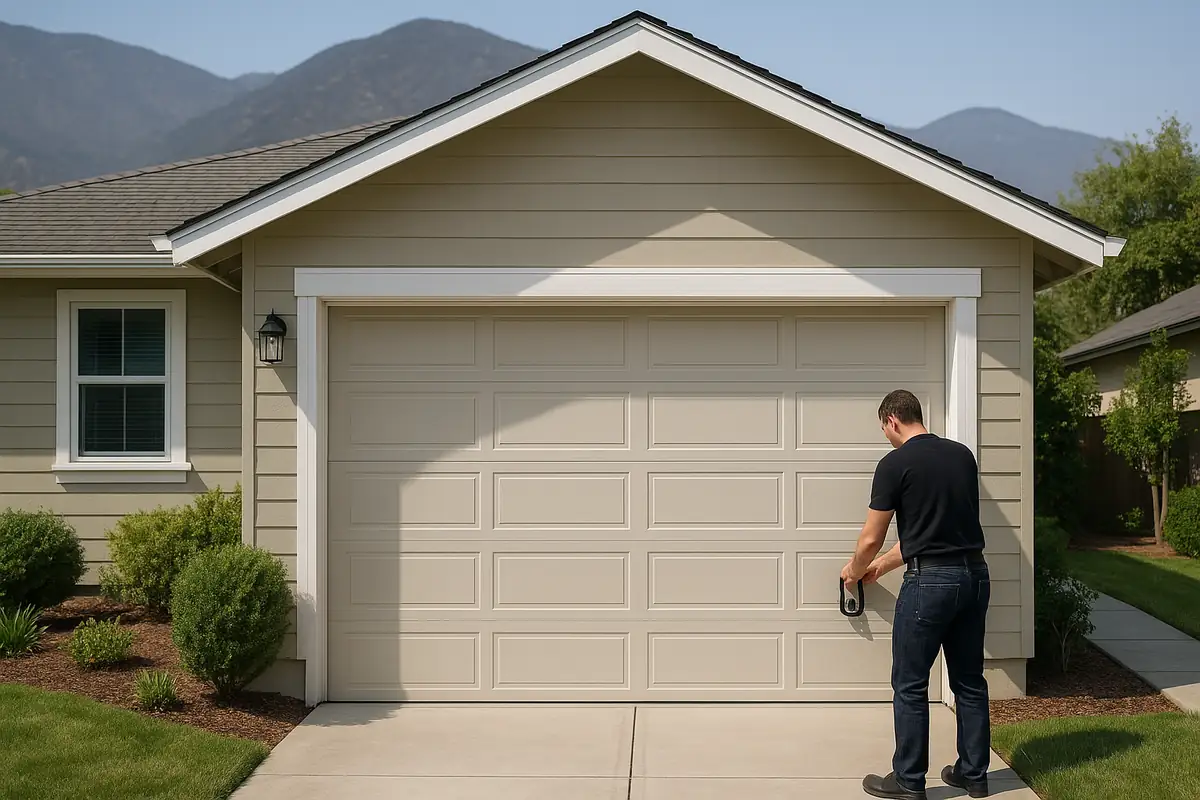
How to Program Your Garage Door Remote: Essential Guide by R & A Garage Door Repair

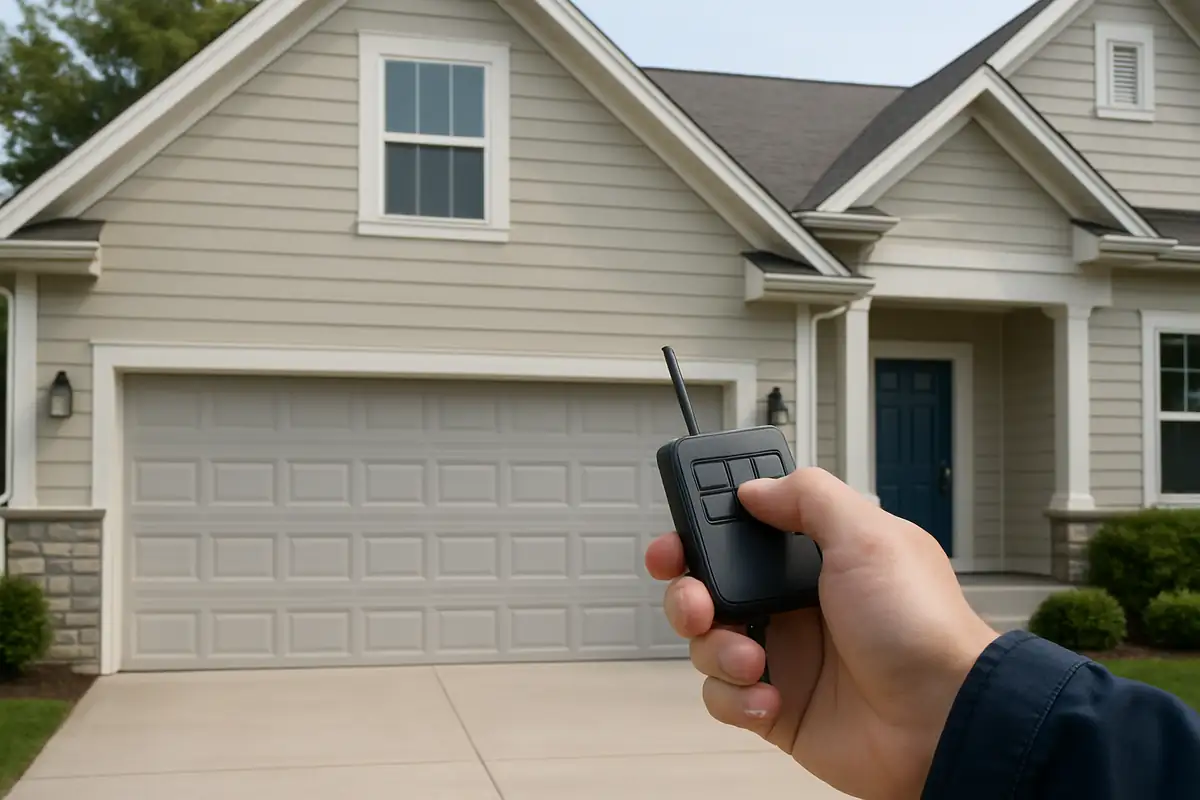
Introduction
Programming your garage door remote can seem daunting, but with the right instructions, it’s a straightforward process. At R & A Garage Door Repair in Somers, CT, we’re here to help you master this skill, ensuring that your garage access is seamless and hassle-free. In this guide, we’ll walk you through the steps to program your garage door remote effectively. Let’s dive in!
Understanding Your Garage Door System
Before you get started with programming your remote, it’s essential to understand the key components of your garage door system:
- Garage Door Opener: The motor that operates your garage door.
- Remote Control: The handheld device that signals the opener.
- Safety Features: Include sensors that prevent the door from closing on objects.
Most modern garage door systems use either a rolling code or fixed code technology, affecting how your remote operates.
Common Types of Garage Door Remotes
Garage door remotes come in various types, including:
- Standard Remotes: Basic, handheld devices.
- Keypad Remotes: Mounted outside your garage for code entry.
- Smart Remotes: Connect to your smartphone via Wi-Fi or Bluetooth.
Knowing your remote type will help you find the correct programming method.
Step-by-Step Guide to Programming Your Garage Door Remote
Follow these easy steps to program your garage door remote:
Step 1: Prepare Your Garage Door Opener
- Locate the “Learn” button on your garage door opener (usually found on the back or side).
- Press the “Learn” button once; a light will blink to indicate the opener is in learning mode.
Step 2: Program the Remote
- Within 30 seconds of pressing the “Learn” button, press and hold the button you wish to program on the remote.
- Release the button when the opener light blinks, indicating successful programming.
Step 3: Test the Remote
- Stand outside your garage, point the remote at the door, and press the programmed button.
- If the door opens or closes, programming is complete!
Troubleshooting Common Issues
If your remote isn’t working after programming, check these common issues:
- Battery Status: Ensure the remote batteries are fresh.
- Distance: Make sure you’re within range of the garage door opener.
- Interference: Check for any physical obstructions or electronic interference.
For persistent issues, don’t hesitate to contact R & A Garage Door Repair in Somers, CT for professional assistance.
Important Safety Features
Modern garage door systems come equipped with a variety of safety features, including:
- Auto-Reverse: The door will reverse if it detects an obstruction.
- Photo Eyes: Sensors that prevent the door from closing on objects or pets.
- Manual Release: A cord that allows you to operate the door manually in case of power failure.
Understanding these features can enhance your safety while using your garage door.
Statistics and Facts About Garage Doors
Did you know?
- Approximately 71% of American homes have garages, making garage doors critical for security.
- Regular maintenance can extend the life of your garage door by up to 30%.
- Over 20% of garage door issues are caused by simple programming errors.
Conclusion
Programming your garage door remote doesn’t have to be a hassle. By following the steps outlined above, you can enjoy convenient access to your garage in Somers, CT. If you encounter any difficulties, R & A Garage Door Repair is just a call away to assist you with all your garage door needs. Don’t let a malfunctioning remote disrupt your day; reach out to us today!
Explore More Resources
Related Articles
Service Areas
We proudly serve Somers, North Somers, Somersville, Scitico, Baptist Village and more areas.
Our Services
Professional garage door repair, spring repair, opener installation and more. View all services →

Energy Efficiency and Your Garage Door: A Guide by R & A Garage Door Repair in Somers, CT
Signs Your Garage Door Opener Needs Replacement: A Guide by R & A Garage Door Repair